Supplying Print
Ready Artwork.
Supplying correctly prepared artwork for printing is essential to ensure that you receive the best quality print job possible. We recommend following the guidelines below when supplying artwork.
1
Bleed.
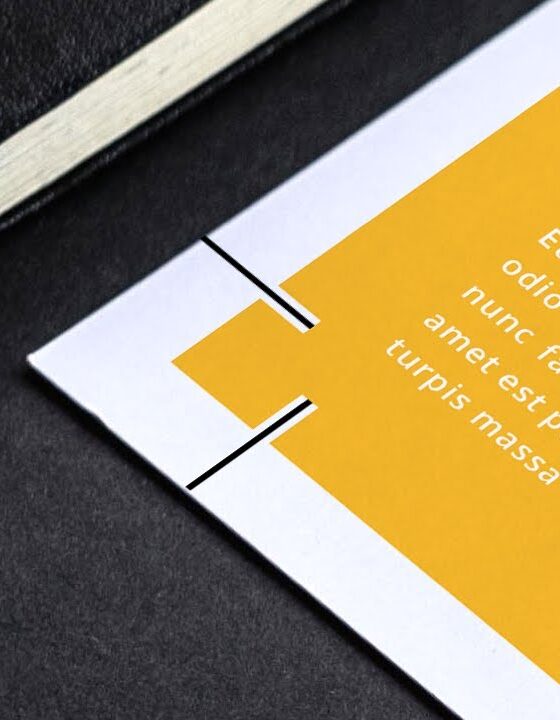
What Is Bleed?
Bleed is where the printed image on a page extends beyond the edge of the printed area. If bleed is absent, it’s possible to find unsightly white lines bordering your printed item where there should be colour extending to the edge.
During the printing and trimming process, it is common for each sheet of paper to vary or move ever so slightly. The addition of bleed to your artwork, ensures that even where this variance occurs it will not be noticeable, as your printing will always be trimmed somewhere on the coloured printed image.
Supplying Art With Bleed.
- Provide pdf files to finished size, with 3mm bleed on all elements that touch the edge of the page. eg. an A4 document with bleed will measure 303mm x 216mm.
- 3mm bleed is sufficient for wide format printing while booklets and presentation folders require 5mm.
- Trim marks should also be included to indicate where the printed item should be cut to the correct size
- For pull-up banners, allow 1 mm bleed all round – finished size 2100mm x 850mm (the bottom 100 mm feeds into the base mechanism).
2
Fonts & Text.

The Importance of properly formatted copy.
Correct font and text formatting are essential in print because they ensure clarity, professionalism, and brand consistency. The right fonts, sizes, spacing, and formatting help maintain readability and visual balance, while preventing text from appearing crowded, distorted, or misaligned.
Proper formatting also ensures accurate reproduction across different print processes, avoiding costly reprints or design errors. Ultimately, well-prepared type enhances the overall impact of printed materials and reinforces a polished, high-quality result.
Supplying Text For Print.
- Use specific fonts for bold or italic type – not the manual keyboard attributes
- Embed all fonts in the document, including those embedded in EPS files and convert to outlines or curves
- Ensure black text is set to 100% black only and is set to overprint
- Set overprints correctly for the desired result – use the ‘Simulate Overprinting’ tool within the Output Preview function of Adobe Acrobat to check.
3
Colours.
The Importance of properly formatted copy.
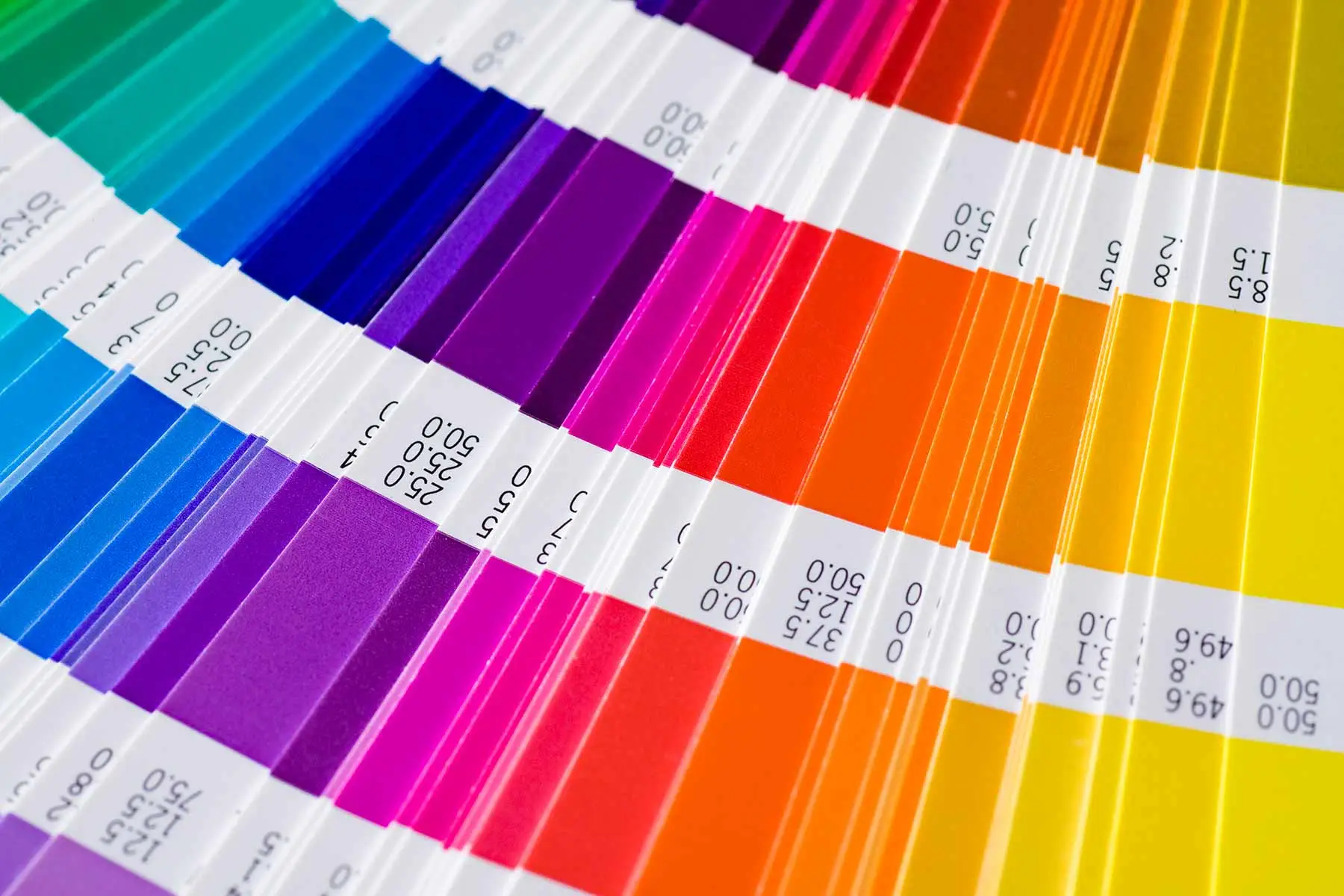
Crisp, vibrant, and colour-accurate printing is essential for delivering a professional finish that reflects the quality of your brand. Consistent colour reproduction and sharp detail help ensure your marketing materials stand out, capture attention, and build trust with your audience.
Achieving this standard requires strict adherence to correct print procedures – from proper file setup and colour profiling to calibrated equipment and premium production processes. When every step is followed with precision, the result is reliable, high-impact print that elevates your message and leaves a lasting impression.
Ensuring Correct Colour At Print.
- Convert all images to CMYK for a four colour process job
- PMS colours are single ink colours which usually produce a far deeper colour than the CMYK version and ensure consistency across all marketing material. To set up for printing using a PMS colour, your print file should be saved as a spot colour, not CMYK
- To achieve a rich black outcome, we recommend 20% Cyan, 20% Magenta, 20% Yellow and 100% Black
- Do not supply images in RGB, LAB and indexed colour mode as they can produce an unexpected result
- Keep your total ink coverage below 280%.
- It’s important to keep in mind that final colours that use large % amounts of each of the CMYK colours quickly become oversaturated and produce a muted and dull result.
- If a print job is colour critical, we recommend you request a hard copy proof (you will be required to sign your approval to proceed to print) or conduct a physical press check at our premises.
4
File Formats.
A PDF is a file format that captures all the elements of the original document as an image that you can view, navigate or print from.
It can be viewed across multiple platforms and devices without the need to have the original software that created it.
The ability to embed fonts within this file type means it is the gold standard for commercial printing as a properly created file will never vary.
EPM Print Group recommends you provide a print-ready pdf when supplying artwork.
EPS
This is a vector based format that is essentially self contained and can be placed inside other programs.
Commonly used for wide format printing or signage work.
JPEG or JPG
A common file format for saving images from cameras and those for use on web pages.
It uses a compression formula to save images resulting in a considerably smaller file size but does this at the cost of a reduction in quality.
JPEGs are not suitable for printing due to their quality and low resolution however can be inserted into your artwork as long as the resolution is at least 300dpi.
5
Images.

- Supply images at a minimum 300dpi resolution and 1200dpi resolution for bitmap, logo and line art images. Lower resolutions than this may result in lower quality output
- Images should not be used at more than 150% of scanned size
- Ensure all transparencies have been flattened.
6
Additional Print Set-Ups.

Correctly preparing books.
Provide books as single page artwork – not as spreads. Use the ‘press quality’ export setting if using the Adobe design program.
Preparing files for clear ink or foils
- File to be 100% colour (Black or Magenta)
- Clear ink or foil files should be a separate page from the printed file (a 3 page PDF file with 3mm bleed – Front/Back/Foil or Clear).
Join the 1,039+
happy
users
that
print better